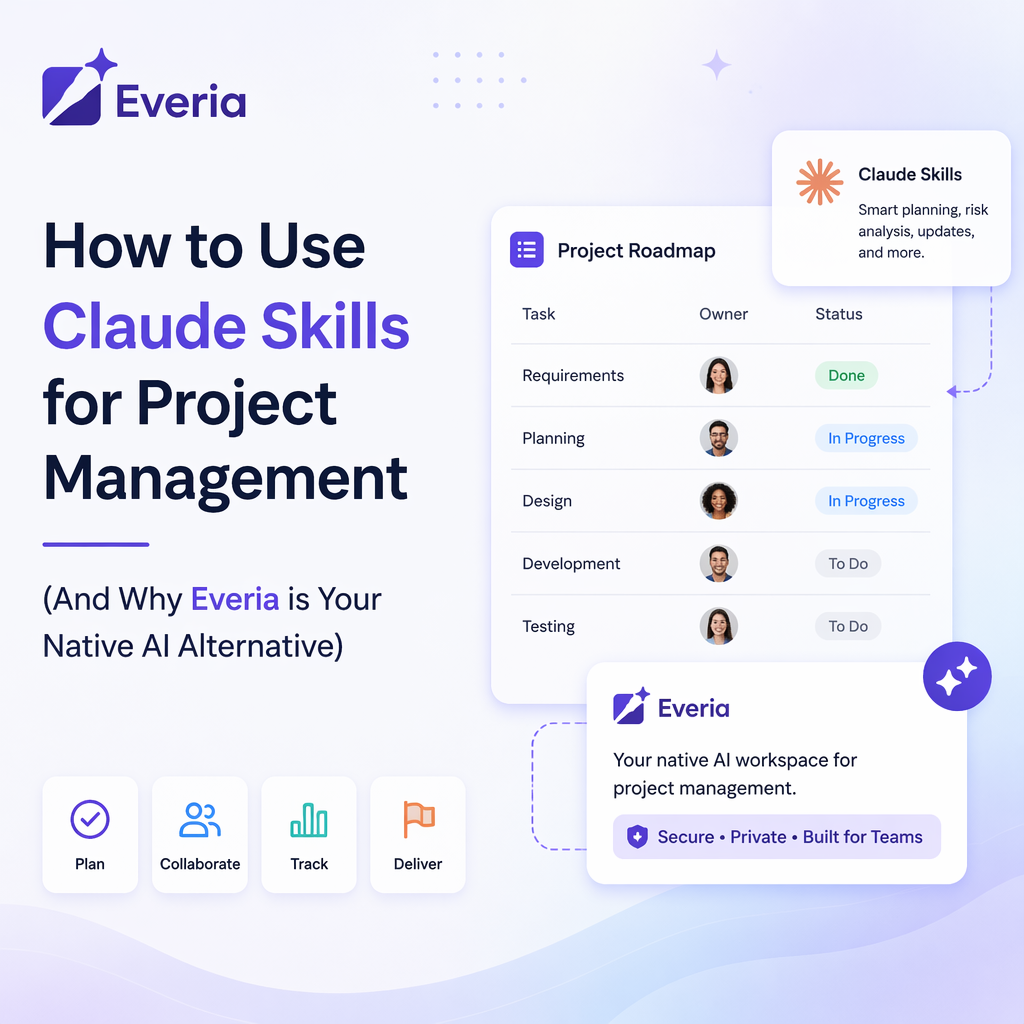
Artificial intelligence has promised to revolutionize project management, but for most teams, it has only added another step to their workflow. You copy data out of your project tool, paste it into an AI chat window, prompt it, and then copy-paste the output back into your workspace.
Anthropic’s release of Claude Skills (also known as Agent Skills) attempts to solve this manual friction by letting you program reusable folders of instructions (SKILL.md files) directly into Claude.
But does managing a library of markdown files, Model Context Protocol (MCP) servers, and API keys actually make your team faster? Or is it just another system you have to maintain?
Below, we break down how Claude Skills work, how to build them, and why Everia provides a far simpler, native alternative by baking shared organizational AI intelligence directly into your workspace.
What are Claude Skills?
A Claude Skill is a packaged folder of instructions that teaches Claude how to handle a specific, recurring task. Each Skill contains a file named SKILL.md written with YAML frontmatter (for the name and description) and Markdown instructions.
Your Skill Folder/
├── SKILL.md <-- The core instructions and metadata
├── references/ <-- Background documents, templates, or rules
└── scripts/ <-- Optional code or automation assets
How They Work Under the Hood
Claude reads the name and description of every installed Skill at the beginning of a session. When your prompt matches a Skill’s description, Claude automatically loads the full instructions and executes the procedure.
For example, you might install a "Weekly Status Rollup" Skill. When you prompt Claude with "Here are my raw team notes, run the weekly rollup," Claude pulls the SKILL.md instructions, formats the data perfectly, and outputs a uniform update.
The Claude Skills Framework vs. Everia's Native AI
While Claude Skills are highly powerful for solo developers and technical power users, running them across a growing business introduces a massive operational tax.
Here is how configuring manual AI scripts compares to running your projects on Everia:
Feature / Goal | The Claude Skills Method | The Everia Native Solution |
Setup Effort | High. You must manually write SKILL.md files, bundle them into zip files, upload them to your organization settings, and configure MCP servers. | Zero. Everia's context engine is active the moment you sign up. There are no terminals to configure or markdown code to write. |
How It Gets Context | Manual or API-dependent. You have to upload reference files, paste raw notes into the chat, or maintain a local database connection. | Automatic. Everia's AI sits directly on top of your live documentation, active sprint boards, and QA workflows. It naturally "knows" your project's history. |
Collaboration & Sharing | Individualistic. Skills and custom instructions are tied to single profiles or require custom admin permissions to share across team accounts. | Collaborative by design. All context, templates, and AI workflows are shared across your workspace, making updates instantly accessible to everyone. |
Work Execution | Generates text. Claude drafts a script or outlines a plan, which you then have to manually copy-paste into your execution tools. | Takes real actions. Everia translates insights directly into live task updates, updated database records, and real-time sprint changes. |
Pricing at Scale | You pay a per-user premium monthly subscription fee for team access, which skyrockets as you onboard more contributors. | A predictable, flat-rate corporate plan with unlimited user seats, allowing you to scale without software budget penalties. |
3 Project Management Workflows: Claude vs. Everia
Let's look at how typical project management tasks are handled in both systems.
1. Generating a Product Requirements Document (PRD)
The Claude Skills Method: You draft a PRD Skill. You feed Claude your rough notes, and the Skill forces Claude to structure it according to your company’s custom template. If your product requirements change later, you have to run the prompt loop again and manually update your files.
The Everia Method: Everia’s integrated database merges your PRDs directly with your sprint tracking. Because your documentation and task boards share the same workspace layer, modifying a requirement automatically updates the downstream developer tickets and QA targets in real time.
2. Creating a Weekly Status Rollup
The Claude Skills Method: Your team must paste their disparate chat logs, calendar entries, and text updates into Claude. The Skill organizes the chaos into a structured status report.
The Everia Method: Everia monitors your active project boards, closed sprint tickets, and documentation updates in the background. It automatically compiles your weekly team status reports based on actual system actions, no copy-pasting required.
3. Summarizing a Sprint Retrospective
The Claude Skills Method: You write a retrospective Skill with strict formatting rules (e.g., What Shipped, What Slipped, Action Items). You copy the raw meeting transcript, upload it to Claude, and let the Skill extract the takeaways.
The Everia Method: You hold your retro, type or record your notes directly inside an Everia workspace document, and tag the team. Everia immediately parses the text, creates actionable task cards with assignees, and links them directly to the retrospective log.
Frequently Asked Questions
What is the difference between a Claude Skill and a CLAUDE.md file?
A CLAUDE.md file contains static, high-level background context that Claude should always know about your project (like repository rules, primary tech stacks, or core directories). A Claude Skill is a dynamic procedure or set of operational instructions that Claude should only execute when a highly specific task is requested.
Do Claude Skills require an MCP Server to run?
No. Model Context Protocol (MCP) servers and Claude Skills solve adjacent problems, but they are not the same thing. An MCP server acts as a bridge to connect Claude to external software and systems. A Skill simply tells Claude what workflow steps to take once it already has the tools and data connections it needs.
Why is Everia better for teams than building custom AI agents?
Building and maintaining custom AI agents or Claude Skills requires continuous technical upkeep, API debugging, and prompt tuning. Everia gives you the benefits of an advanced, context-aware AI assistant without the engineering overhead. It natively connects your project data to your workflow, so your team can focus on shipping features rather than managing AI prompts.
Does Everia offer European data protection?
Yes. Everia is built natively from the ground up to respect strict European data sovereignty and privacy guidelines. Your proprietary company data, documents, and sprint strategies are securely hosted and never leaked to external, public training models.
Stop Writing Code to Manage Your Projects
AI should simplify your workload, not give you a second job as a prompt engineer. Instead of spending your week configuring Claude Skills, write-ups, and custom integrations, let Everia handle the heavy lifting natively.
Consolidate your docs, sprints, and QA into one intelligent workspace.