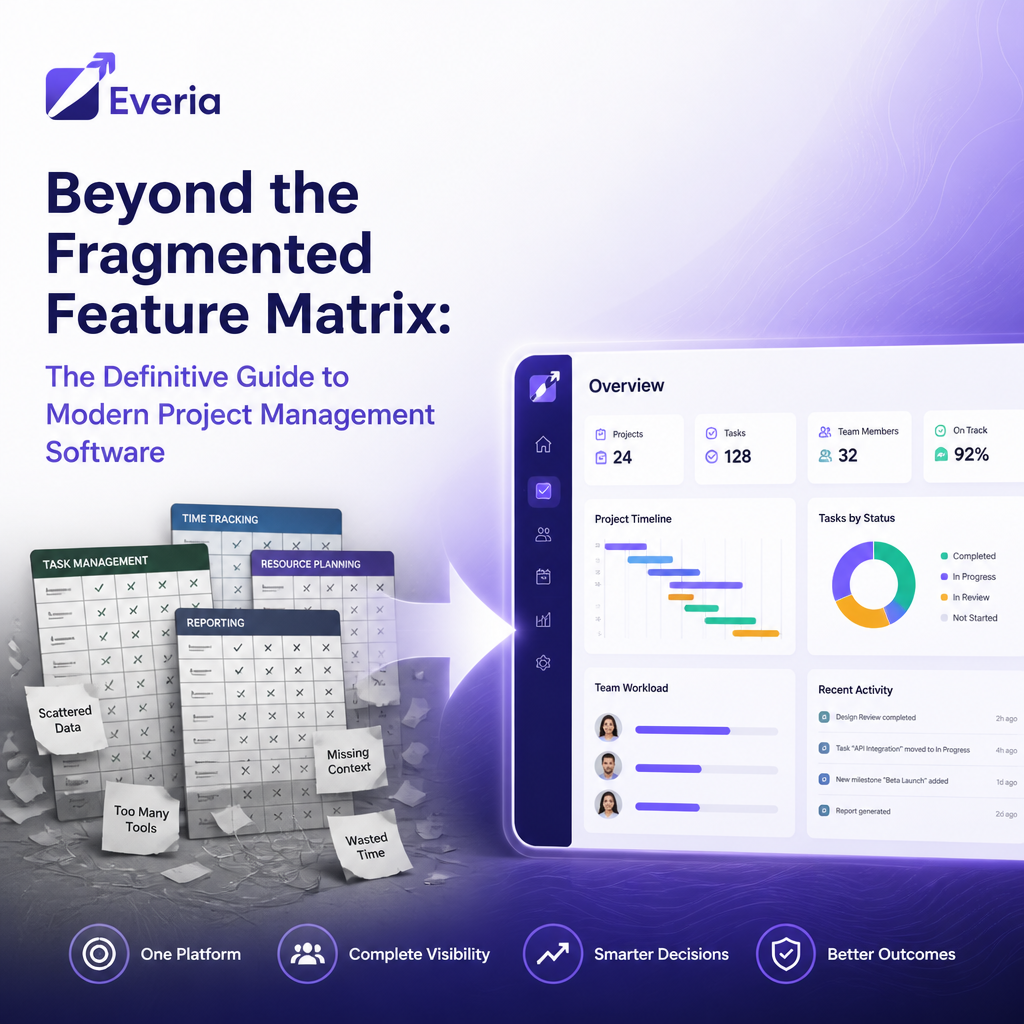
Selecting the wrong project management infrastructure is one of the most expensive operational mistakes a growing technology company can make. Many teams fall into the trap of evaluating software based entirely on isolated feature checklists. They inadvertently build an unstable environment of disjointed point solutions, paying a steep subscription bill and an even heavier coordination tax.
When product requirements live in one document hub, active tasks sit inside a legacy issue tracker, and communications happen across disconnected messaging threads, your data fractures. True execution requires moving away from superficial tool integration and shifting toward absolute workspace convergence.
This guide breaks down the structural types of project management software, exposes the hidden costs of legacy feature fragmentation, and outlines how fast-moving software teams can build a unified execution pipeline from day one.
The True Cost of Tool Sprawl in Project Management
The modern enterprise doesn't suffer from a lack of tools; it suffers from tool sprawl. Stacking multiple standalone applications forces developers, product managers, and leadership to spend hours manually copying, pasting, and syncing context across disconnected browser tabs.
The industry data reveals a clear business case for consolidating your operations into a single, intelligent workspace:
Performance Indicator | The Operational Cost of Fragmentation | Source |
Capital Waste | Organizations waste an average of 11.4% of every dollar due to poor project performance and alignment. | |
The "Coordination Tax" | Knowledge workers spend up to 60% of their workday on "work about work"—such as chasing status updates, switching apps, and searching for files. | |
The Integration Deficit | 45% of employees state that seamless workflow integration would significantly increase their daily technology and AI usage. |
Evaluating the 4 Major Types of Project Management Software
To build an efficient delivery cycle, you must understand the underlying architecture of your tools. Most project management platforms fall into one of four structural categories:
1. Collaborative Work Management (CWM) Tools
Designed primarily for general business teams, marketing agencies, and creative operations. These platforms excel at high-level task delegation and visual flexibility (like basic kanban boards or list views) but fall short for complex software development. They lack native support for deep engineering pipelines, sprint metrics, release tracking, and automated defect resolution.
2. Legacy Issue Trackers & Agile Software
Built explicitly for engineering workflows and structured frameworks like Scrum or Kanban (e.g., Jira). While highly functional for tracking code deployment, these legacy platforms are notoriously rigid. They frequently require days of custom configuration, a dedicated IT administrator to maintain, and a maze of expensive third-party plugins just to connect product requirements to active sprint cards.
3. Specialized Single-Point Solutions
These are hyper-focused applications built to handle exactly one function excellently, such as time tracking software, standalone document bases, or independent bug trackers. While useful in absolute isolation, stacking them together forces teams to act as human middleware, constantly bridging data gaps between apps.
4. Converged AI Workspaces (The Modern Alternative)
The latest evolution in operational software. A converged workspace completely collapses the artificial walls between documentation, issue tracking, and communications. Instead of relying on brittle external plug-ins or fragmented automations, a converged platform runs on a unified core engine. This ensures that every specification, active task, and historical comment thread remains contextually linked in real time.
Architecture Matrix: Legacy Frameworks vs. The Everia Way
When engineering and product leads evaluate software to streamline operations, they should measure platforms against strict architectural criteria:
Feature Dimension | Single-Point / Legacy Stacks (The Jira Way) | Converged AI Workspaces (The Everia Way) |
System Architecture | Fragmented silos connected via fragile API links or manual exports. | A single, unified thread where documentation, tasks, and sprints live together natively. |
AI Implementation | Tacked-on consumer chat plugins that lack real-time project context. | Context-aware AI running natively at the core, maintaining complete project continuity. |
Onboarding Curve | Days of custom field mapping, administration gates, and mandatory training. | Onboard your entire cross-functional team and track live sprints in under 5 minutes. |
Growth Predictability | Variable per-seat pricing that spikes your monthly bill as you scale up contractors. | Flat-rate operational predictability with unlimited users for your entire company. |
Data Sovereignty | Exposing proprietary requirements data to public, consumer-facing models. | Compliant environments optimized to respect strict European data principles. |
Eliminating Bottlenecks with Native Workspace Workflows
Moving to a unified platform allows non-technical leads and developers to instantly automate the manual administrative bottlenecks that derail a product cycle.
+-------------------------------------------------------------+
| THE UNIFIED FLOW |
| |
| 1. Ingest Data --> 2. Native AI Processing --> 3. Sprints |
| (Product Spec) (Contextual Risk Check) (Auto-QA)|
+-------------------------------------------------------------+
1. Automatic Requirements-to-Test Traceability
Bugs that slip into production are frequently the result of disconnected context. When your product documentation lives in a separate tool from your testing checklist, coverage gaps go unnoticed. A converged system derives testing parameters directly from the written requirement spec, highlighting vulnerabilities before code hits a release window.
2. Immediate History & Risk Summarization
Instead of spending an hour reading through extensive, multi-week comment threads to understand why a sprint milestone slipped, let native intelligence synthesize the thread. A single prompt can scan the activity ledger across a specific task to instantly extract immediate blockers, decisions made, and pending action items.
3. Automated Defect & QA Routing
Eliminate manual status check-ins. You can easily configure a unified workspace to handle operational handoffs automatically. For example, the moment an engineer marks a code module as In Review, the platform instantly maps the task to the verified QA reviewer, flags active cross-functional dependencies, and updates the leadership dashboard.
How Everia Redefines Product Delivery
Everia was engineered to eliminate tool maintenance. We built a lean, unified project management workspace designed to offer a clean alternative to legacy complexity.
Context-Aware AI Built-In: With Everia, you don't need to hook up external API keys or maintain third-party AI plug-ins. Advanced intelligence runs natively at the absolute core of your workspace, effortlessly retaining full project context, developer capacity, and historical milestones.
Zero Administration Overhead: We cut out the heavy configuration gates. Non-technical teams can sign up, map their execution path, and deploy active sprints with complete role visibility in under 5 minutes.
Predictable Growth Architecture: Legacy tracking tools impose a financial penalty on your growth, spiking your software bill the moment you onboard cross-functional contractors or external QA analysts. Everia supports uninhibited scaling with clear flat-rate pricing models and unlimited user tiers.
Stop fighting your tool stack. Get back to pure execution.
Try Everia for Free — Start Your Unified Workflow in Under 5 Minutes
Frequently Asked Questions (FAQs)
1. What makes Everia a viable alternative to legacy tools like Jira?
Legacy trackers like Jira often require specialized administrators, hours of custom field mapping, and a fragmented stack of third-party plugins just to connect documentation to active sprint boards. Everia collapses this fragmentation entirely by unifying your product requirements, tasks, and communications into a single, clean workspace that is ready out of the box in under 5 minutes.
2. Do we need to connect external AI tools or API keys to use Everia?
No. Unlike traditional project tools that slap on superficial, external AI plug-ins as an afterthought, Everia features a context-aware AI engine natively embedded directly into its core. It naturally reads your ongoing project tracking, full requirement history, and team communications to surface workflow risks without requiring any manual prompting setup.
3. Is my company's data safe with Everia’s native AI workspace?
Absolutely. Everia is built with a security-first architecture designed to respect strict data sovereignty principles. Your company's proprietary data, project histories, and written requirements are fully protected within a compliant environment and are never exposed or used to train public, external large language models.
4. How does a flat-rate pricing model benefit growing software teams?
Traditional software tools charge you on a rigid per-user basis, meaning your monthly operational bill spikes the moment you scale up your team or bring on temporary contractors, designers, and QA testers. Everia provides total financial predictability with a flat-rate pricing tier for your entire company, allowing you to collaborate freely with unlimited users without facing a cost penalty.